TTS for Discord Bots and Community Platforms
Most Discord servers need a TTS bot, not Discord's built-in command.
Discord's TTS command has been sitting in the app since roughly the platform's early years, and most server owners still think it does something it doesn't. It reads text out loud to people who already flipped on a setting buried three menus deep in their own client. That's the whole trick, and it's a smaller trick than most people assume. Anyone expecting it to fill a voice channel with sound is going to be disappointed, and that gap between expectation and function is why a whole market of dedicated TTS bots exists. This piece covers what the native command actually does, where bots pick up the slack, and how a server builder decides between a bot off the shelf and an API wired into custom code.
What Discord's built-in /tts command does (and where it stops)
Type /tts in a text channel and Discord reads the message aloud, but only to members who've turned on TTS notifications in their own settings. It does not push audio into a voice channel. Discord's /tts command has never pushed audio into a voice channel. Someone sitting in a voice call with six other people, headset on, will hear nothing, because the command was never built to cross that boundary.
The voice depends entirely on whatever speech engine sits on the listener's device, and this shapes what each listener actually hears. On Windows it's often a flat, robotic default voice. On mobile it's a coin flip depending on OS version and installed language packs. Two people in the same server, reading the same message, can hear two completely different voices, or in some cases no voice at all, if their device isn't configured for it. There's no shared, consistent audio experience, and that alone kills it as a community feature before it even gets a chance.
This isn't a setting someone forgot to flip on. Text and voice channels are separate systems inside Discord's architecture, and bridging them requires software sitting between the two, listening on one side and speaking on the other. Native /tts was built for a quick, private notification, the digital equivalent of a screen reader tapping one person on the shoulder. When asked to handle community infrastructure, it folds immediately.
How a TTS bot works inside Discord's voice layer
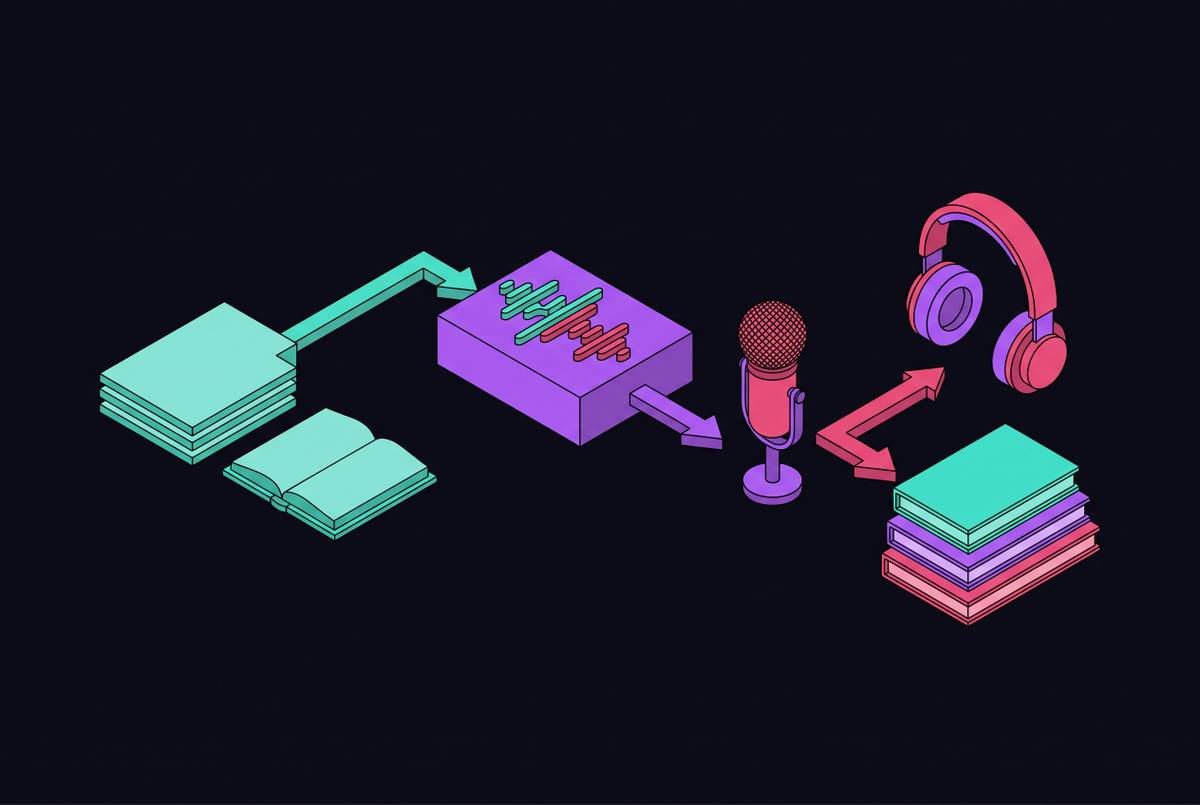
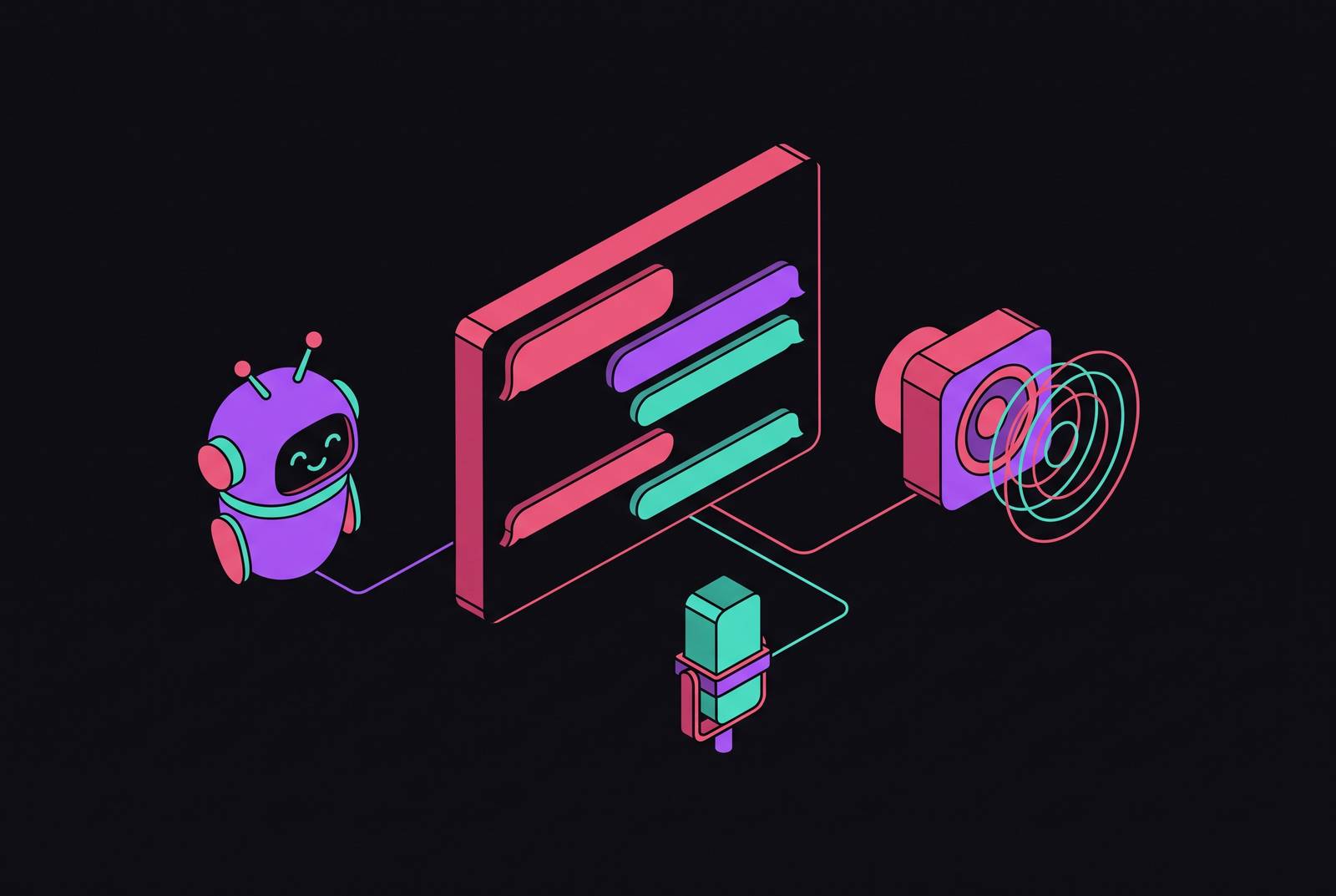
A TTS bot's job is mechanically simple even when the audio pipeline underneath isn't. The bot watches a text channel for messages, hands the text to a speech engine, gets back a rendered audio clip, and plays it into a paired voice channel where everyone connected can hear it. No client settings involved. Everyone hears the same thing at the same time, which is the entire point native /tts misses.
Getting a bot to do this requires three specific permissions granted at invite time: Connect, Speak, and Read Messages, set through the OAuth2 URL Generator in the Discord Developer Portal. If one is skipped, the bot either can't join the voice channel, can't make noise once it's there, or can't see the text it's supposed to read. Short list, but each missing permission produces its own distinct, easily diagnosed failure.
Queueing is the unglamorous part that keeps the thing usable under real load. Messages get ordered and played one at a time, and any bot worth running ships with skip and clear commands so a backlog doesn't pile up mid-conversation. Skip that and ten people typing at once turns the voice channel into a slurry of overlapping audio nobody can parse, which defeats the purpose just as thoroughly as native /tts does.
Most setups pair a specific text channel to a specific voice channel, often using a naming convention like a vc- prefix, so the bot reads only from designated channels instead of every message posted anywhere in the server. That's a deliberate constraint. Without this constraint, the tool functions as a chat bridge, reading random off-topic banter into a live call instead of serving as a voice feature.
The feature decisions that make a TTS bot usable or unusable
Every message sounding identical gets old fast, and it strips out something people actually rely on: knowing who's talking. Per-user voice assignment, where each member has a consistent, identifiable voice tied to their account, has gone from nice-to-have to baseline expectation. Nobody wants to guess who just spoke in a channel with fifteen active typists.
Language coverage is where the single-language bots and the genuinely multilingual ones split apart, and this is where most people underrate how much regional detail matters. One bot covers more than 30 voices across upwards of 20 languages, with regional splits that aren't cosmetic: different regional varieties of the same language aren't interchangeable, another widely spoken language sounds distinct across its own regional varieties, and Mandarin and Cantonese get treated as the separate languages they are instead of lumped together under one flag icon.
Character limits look like a footnote but shape the entire experience. The Original Text To Speech Bot caps messages at 250 characters, while VibeBot's free tier stretches to 500. That gap sounds trivial until a normal server message runs long and gets chopped off mid-sentence, at which point it reads as the bot being broken rather than a free-tier limitation.
Filtering is where a lot of bots either earn their keep or fall apart completely. A functioning bot has to auto-skip its own messages, read URLs as the word "link" instead of a garbled string of characters, and drop emoji spam and wall-of-text messages before they hit the queue. Without that layer, one active text channel turns the paired voice channel into noise nobody can sit through for more than five minutes.
Five Discord TTS bots available now, and what each is built for
The Original Text To Speech Bot (App ID 1396510322642391111, listed in the Discord App Directory) is the lightweight option: reading from any channel whose name starts with vc-. It caps messages at 250 characters, ignores other bots automatically, and runs a small command set: /join, /leave, /skip, /clear, /help. It runs on roughly 3,400 servers and supports English (US) only. Narrow job, does it without fuss, doesn't pretend to be anything more.
TTS Bot (App ID 513423712582762502, also in the Discord App Directory) takes a different approach, with language support that runs broader than the Original bot's single-locale setup. It filters long messages and includes a /skip command for spam control, which makes it the more flexible general-purpose pick of the two.
VibeBot TTS runs on a cloud TTS engine built specifically to fix the cross-device inconsistency native /tts can't escape. More than 30 voices, over 20 languages, per-user voice persistence, a 500-character free-tier limit, smart skip rules, channel pairing, a /tts-ignore command for moderators, auto-disconnect when a voice channel empties, and compatibility with Stage channels for larger events. Of the managed options here, it's the one doing the most.
SeaVoice approaches voice channel participation differently from the other bots in this list. That different approach earns its keep in mixed-participation scenarios, where some members are comfortable speaking and others need to type, and both groups still need to follow one conversation without anyone falling out of it.
When a managed bot isn't enough and a TTS API integration is the right call
Managed bots hit a ceiling the moment a server wants something the bot wasn't built for: a custom voice persona tied to a mascot or brand, TTS triggered by a webhook or donation event instead of a typed message, or audio quality tuned to a specific character rather than a generic preset. At that point the question shifts from which bot to which API, because now someone is writing code, and that's a meaningfully bigger commitment than clicking an invite link.
Streaming makes an interaction feel alive rather than like a phone call on a bad line. The better TTS APIs start playing audio while the text is still being processed, instead of rendering the full clip before sending anything. In a live voice channel, that gap separates a bot that feels responsive from one that feels like it's thinking too hard about a two-sentence message.
Keeping time-to-first-audio low is what keeps the interaction feeling live. Once that threshold is crossed, the pause reads as lag, not processing, and people notice immediately, because voice conversation has zero tolerance for dead air.
Cost is not a hypothetical here. Per-character pricing on a usage-based TTS API compounds fast as message volume climbs, and budget-tier models available in 2026 offer an alternative worth evaluating against premium providers for cost-sensitive deployments. At server scale, that's a line item large enough that someone has to justify it to whoever's paying the bill. That's a line item someone has to justify to whoever's paying the bill.
The TTS APIs Discord bot developers are integrating in 2026
Google's Gemini 3.8 Flash TTS and Gemini 3.8 Flash-Lite TTS, both announced September 23, 2026 and rolled out the same day across the Gemini API and Google AI Studio, split the market by use case rather than by quality tier, and that distinction determines which product fits a given project's budget and creative needs. Flash TTS targets creative work: character voices for games, immersive audiobook narration, podcast production. Flash-Lite TTS is built for high-volume use cases, which lines up with what a busy Discord server needs from a bot handling hundreds of messages a day. Safety tooling is the correct default and should be the bar every provider gets held to.
Several newer entrants to the TTS API space have built models around real-time responsiveness and voice quality, aimed at conversational applications. That focus puts such models in direct contention for the latency-sensitive use case live voice channels demand, not some adjacent market they happen to overlap with.
Evaluating any of these for a Discord integration comes down to the same handful of questions regardless of vendor. How fast is streaming latency, what does per-character cost actually look like at real volume rather than a demo, how many languages carry correct regional pronunciation rather than just technical support, whether voice cloning is on offer, and whether safety tooling like watermarking or content filtering ships built in instead of bolted on after the fact.
Self-hosted open-source TTS models for bots that need full control
Several open-source models cover much of the self-hosted landscape right now, including Kokoro, Chatterbox, and VibeVoice among others. Each solves a different piece of the self-hosting puzzle, and none of them come with a per-character bill, which is the whole appeal for anyone tired of watching usage costs climb with server growth.
Kokoro runs under an Apache 2.0 license with a relatively small parameter count, small enough to be cheap to run but competitive against models many times its size. It covers multiple languages and regional varieties, and its architecture keeps it cheap to run while remaining competitive against larger models. It ships multiple voice presets and a license permissive enough for commercial self-hosting without a legal team getting nervous about it.
Chatterbox, released under an MIT license, is English-only, and its voice quality has drawn favorable comparisons to premium providers. That's a real result for anyone who needs one strong English voice and wants to skip API costs entirely, but the English-only ceiling takes it out of contention the moment a server needs more than one language.
VibeVoice-1.5B is built for long-form output, generating extended audio with multiple distinct speakers in a single pass. Its low-frame-rate acoustic architecture keeps compute costs down without sacrificing natural-sounding prosody, which makes it the obvious pick for bots narrating long-form content or running scenes with more than one voice active. If Kokoro is the reliable commuter car, VibeVoice is the one built for the road trip.
The use cases that justify building TTS into a Discord server
Accessibility is the clearest case, and it should carry the most weight in any decision to build this. Members who type slowly, rely on a screen reader, or deal with hearing or speech limitations get a way into voice conversations they'd otherwise be locked out of, just by typing and letting the bot speak for them. Stage channel compatibility extends that same access to larger, structured events instead of leaving it to small voice calls only.
Hands-free participation solves a quieter but far more common problem. Someone sitting in voice with a dead headset, dealing with loud background noise, or too shy to unmute can type instead and still be present through their assigned voice. They stop being the silent name at the bottom of the participant list, which, in a Discord server, is basically social death.
Streamers running watch parties or taking live viewer questions get a practical shortcut out of this too. Chat gets read aloud automatically instead of the streamer manually scanning and narrating it mid-broadcast, which is faster and doesn't yank their attention off whatever's happening on screen.
Multilingual servers get something native TTS structurally cannot offer. A message typed in Spanish comes out in a Spanish voice with correct pronunciation, a message in Mandarin comes out in Mandarin, and nobody's straining to reverse-engineer mangled phonetics from a device that only really speaks one language competently.
Practical architecture choices when building a TTS bot for a real server
Start with whatever solves the problem using the least amount of engineering. For general accessibility and hands-free participation, a managed bot like VibeBot, TTS Bot, or the Original TTS Bot covers most of what a typical server needs, and none of it requires writing a line of code. Anyone reaching for an API integration before checking whether a managed bot already does the job is solving a problem that doesn't exist yet.
API integration earns its complexity once voice identity actually matters: a custom persona or brand voice, TTS that needs to fire on server events instead of chat messages, or message volume high enough that per-character costs are worth optimizing against. Below that threshold, custom-building is a solution in search of a problem, and it's the single most common mistake server owners make when they get ambitious too early.
Hosting is a separate decision from the TTS engine itself, and treating it as an afterthought is how bots die mid-session. Running locally is fine for testing and tinkering, but a server depending on the bot's availability needs real cloud hosting: AWS, DigitalOcean, or similar. A bot that drops during an active voice call causes a major, visible failure. It's the entire feature failing in front of everyone using it, in real time, with no way to hide it.
None of this holds up without queue and spam controls built in from day one, not bolted on after the first bad night goes sideways. Message length caps, auto-skip rules for bot messages and raw URLs, and a moderator override that kills the queue instantly all need to exist before launch. The first time twenty people spam the text channel at once is not the moment to discover the bot has no way to handle it, and by then it's a little too late to explain that to an entire voice channel of angry members.
Sources
- Discord Text to Speech Bot: The Ultimate 2025 Guide for Developers - VideoSDK
- Discord
- Discord TTS Bot — Free Text-to-Speech for Voice Channels (2026) | VibeBot
- TTS Bot
- Discord - Wikipedia
- How to Use Text to Speech on Discord: A Complete Setup Guide for 2025 - Fish Audio Blog
- Cartesia | How to use text-to-speech on Discord
- voice.seasalt.ai